5. Respond to an operational due diligence campaign as a partner
In this article you will find how to access the external platform in order to answer to an operational due diligence campaign.
Access to the external platform
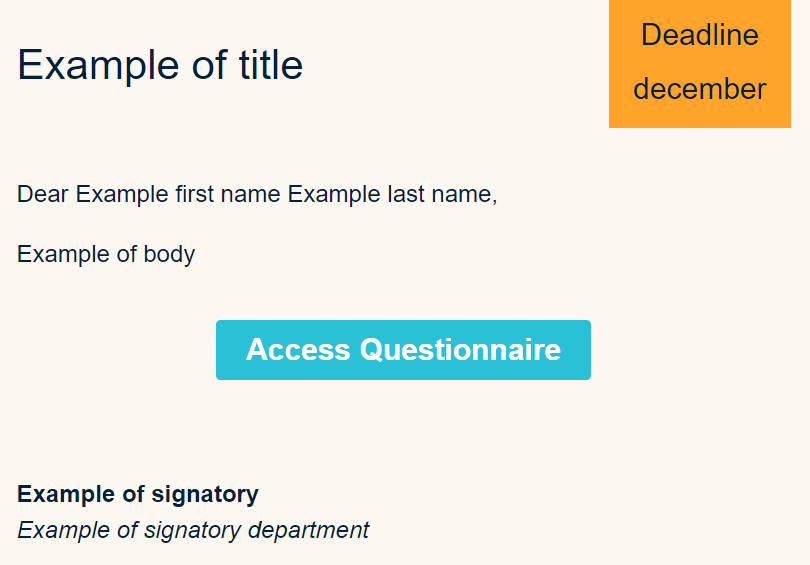
From your email address, open the invitation email and click on the link. Example of an email invitation
Login to the platform
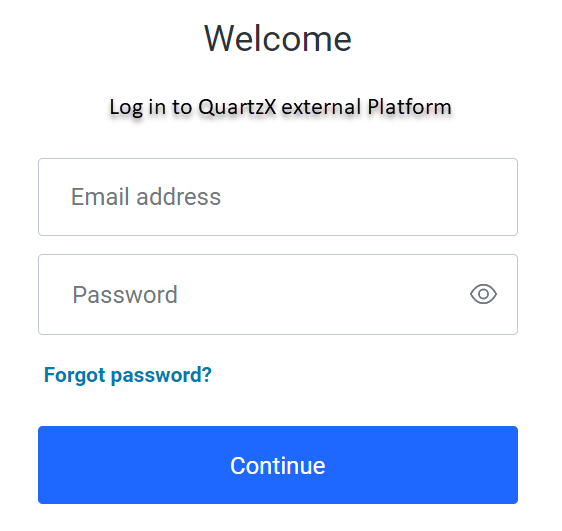
Add your email address and your password and click on 'continue'.
Login screen
Second authentication step
For the second authentication step, you can choose to receive a verification code by email or phone.
Second authentication with your phone
Select what you prefer between 'text message' and 'voice call' and click 'continue'. Then, enter the code and click 'continue' again. The external platform homepage will appear.
Second authentication with your email address
Click on 'try another method' and select the email option. Then enter the code you received on your mail and click 'continue'. The external platform homepage will appear.
Respond to a campaign
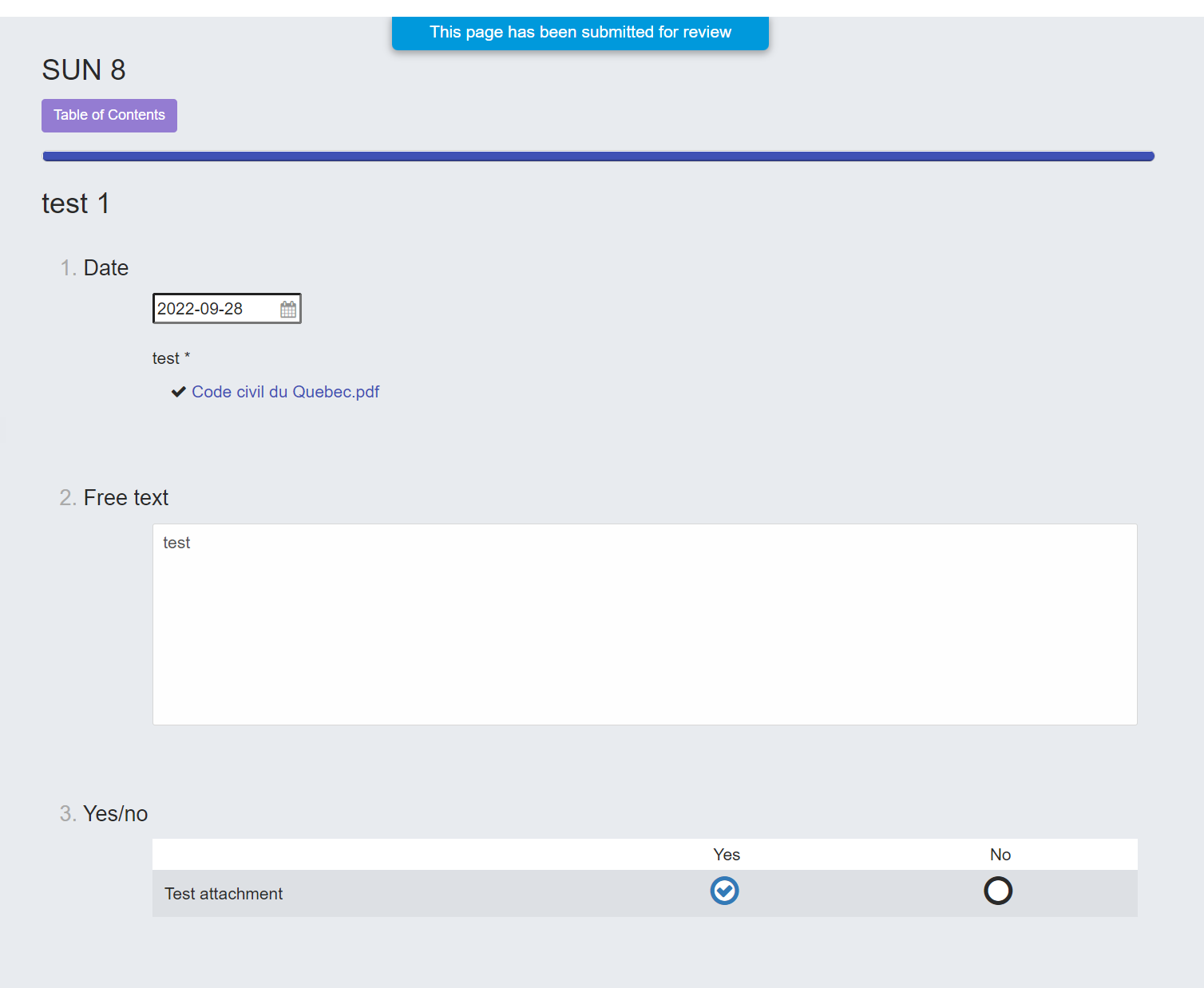
From the homepage of the external platform, click on the campaign you want to respond and answer the questions. Then click on 'submit for review' to submit your answers for review. A message appears at the top of the screen letting you know that your campaign is in review.
Example of a campaign submitted for review
Finalize a campaign
Once your campaign has been reviewed, you will receive an email to let it know.
Modifications are requested
From the external platform, your campaign appears with the 'modifications requested' status. Update what you need to change and click on the 'submit for review' button.
An example of a campaign with modifications requested

The campaign is approved
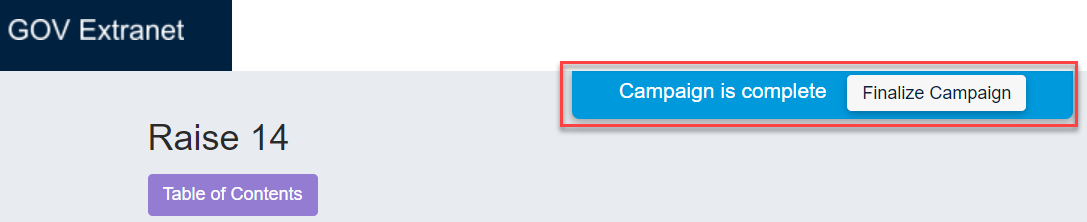
From your email, click on the link to access the external platform and click on the 'finalize button'.
An example of a campaign to finalize