4. Committee - Terms of reference management
This module in QuartzGOV allows you to create and manage a committee Terms of reference. The Terms of reference are documents relating to a committee which allows you to define its main objectives and organization.
Creating a committee Terms of reference
If you want to create a Terms of reference, you need to open the detailed view of a committee. From this view, you can click on the Terms of Reference section that is listed next to Summary. From this section, click on the green buttonto display the terms of reference creation screen. See examples below.
Adding a Terms of Reference
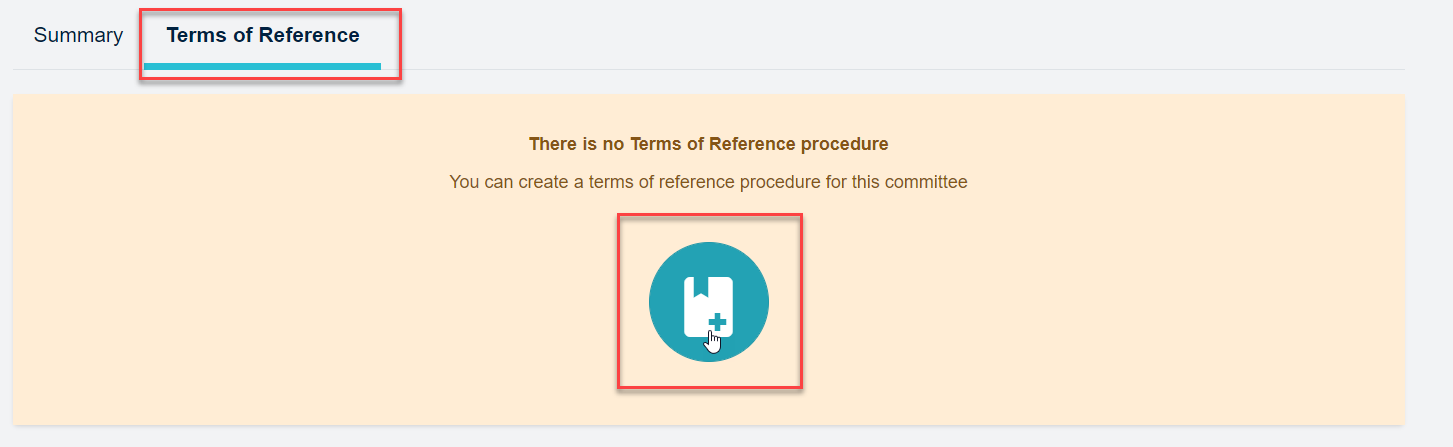
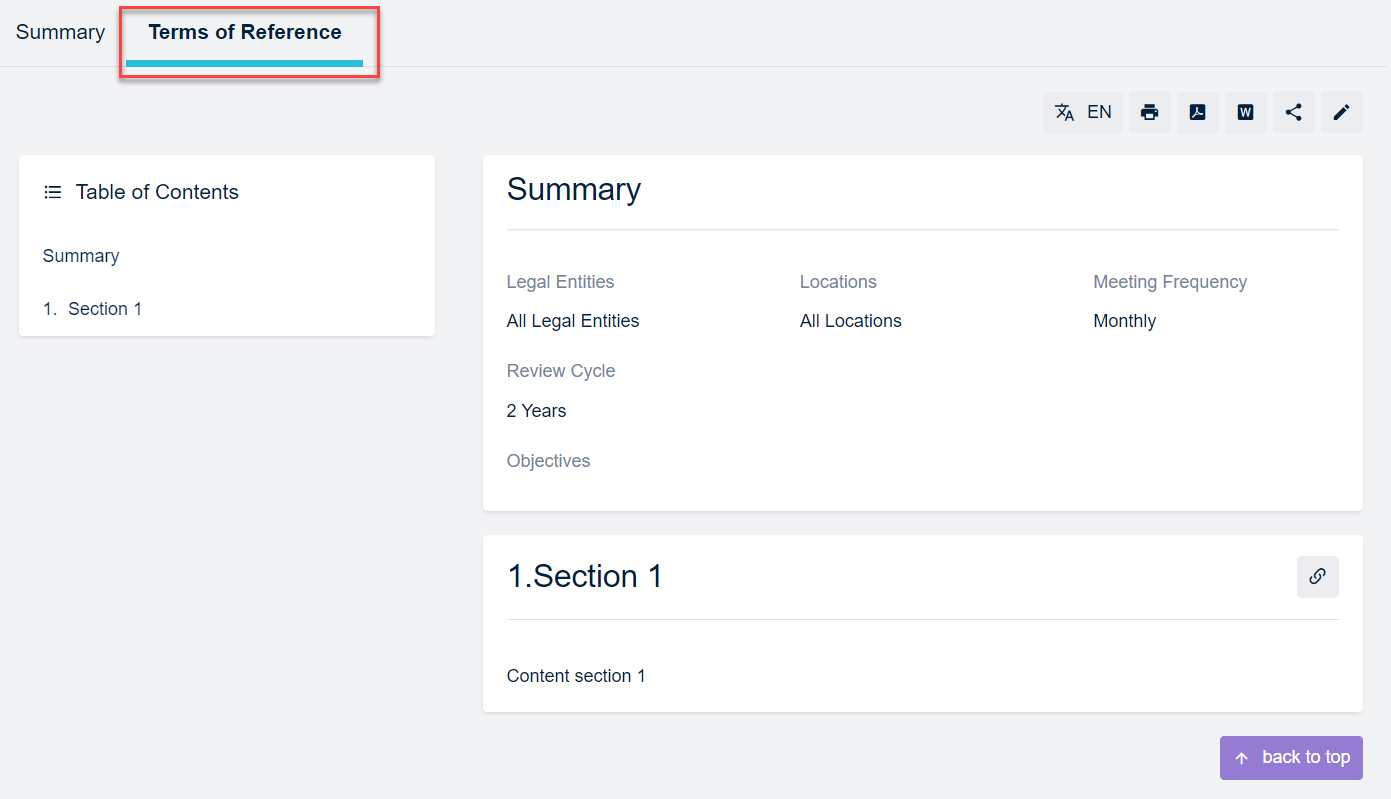
To create the new Terms of reference, you can follow the creation process listed in section 2. Procedures management. The terms of reference procedure will appear on the 'terms of reference' screen from the detailed committee view.
Terms of reference screen
Managing a committee Terms of reference
To manage a Terms of reference, follow the process listed in 2. Procedures management