2. Respond to a survey as employee
In this article you will find how to access the external platform in order to answer a survey.
Accessing the external platform
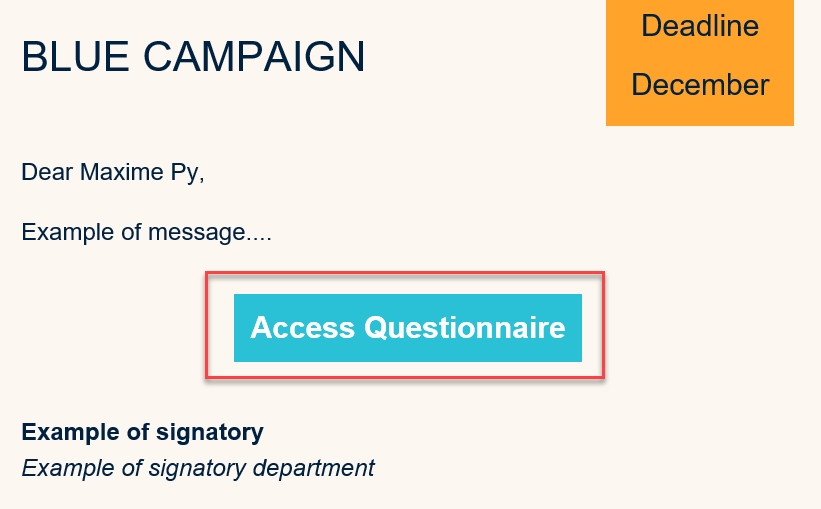
From your email address, open the invitation email and click on the link.
Example of an email invitation
Logging into the platform
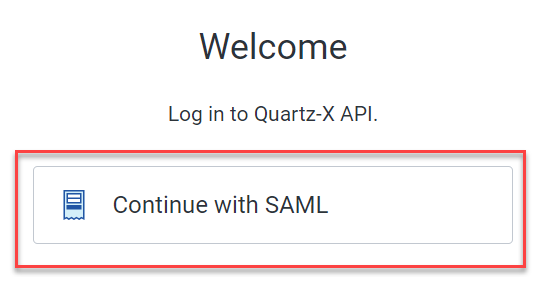
Click on 'continue with the SAML' button to log in. This should take you to the external platform homepage.
Login screen
Responding to a campaign
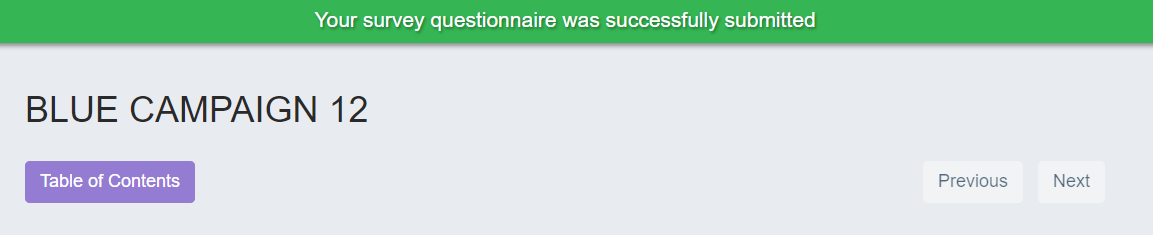
From the homepage of the external platform, click on the survey you want to respond to. You can then click on 'submit survey' to submit your answers. A message should appear at the top of the screen to let you know that the survey was successfully submitted.
Example of a successfully submitted message